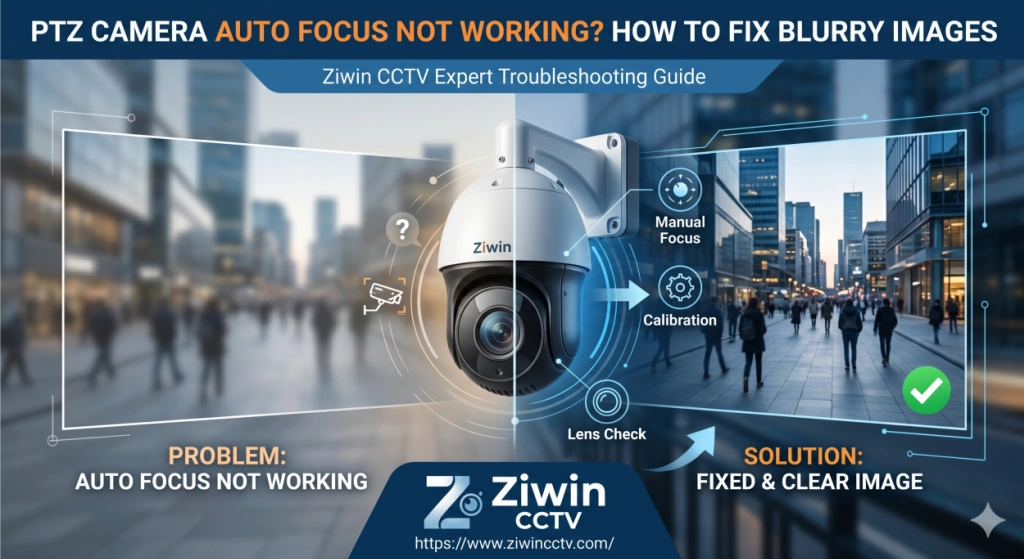
A blurry PTZ camera is one of the most frustrating problems in any surveillance system. The camera may work perfectly during the day but suddenly lose focus at night, or it may keep adjusting focus without ever becoming clear. These PTZ camera issues are very common when diagnosing blurry footage, especially in outdoor installations.
If your PTZ camera auto focus is not working properly, the issue is usually related to environmental factors, lens calibration, or incorrect settings. This guide will help you quickly identify the cause and fix it step by step.
How to Fix a Blurry PTZ Camera That Won’t Auto-Focus
When a PTZ camera becomes blurry, the problem does not always come from the lens itself. In many cases, the issue is caused by dust, humidity, lighting conditions, or improper focus settings.
Before replacing the camera, check the most common causes below.
Why Is My PTZ Camera Blurry? (Environmental vs. Technical)
Understanding whether the problem is environmental or technical can save a lot of time. Most blurry PTZ camera issues fall into the following categories.
Dirty Dome Covers & Internal Condensation
This is one of the most common reasons for blurry images in PTZ camera outdoor.
Over time, the dome cover can become:
Covered with dust, oil, or fingerprints
Scratched due to long-term use
Affected by moisture and internal condensation
Foggy because of temperature differences
When this happens, even a high-quality PTZ camera will produce unclear images.
Quick solution:
Clean the dome cover with a soft microfiber cloth
Check for moisture inside the dome
If the cover is scratched, replacing the dome cover may solve the problem immediately
This simple step often fixes blurry image problems within minutes.
Focus Hunting on Blank Surfaces
Sometimes the camera is not broken — it simply cannot find a focus point.
This usually happens when the camera is facing:
In these situations, the PTZ camera keeps adjusting focus continuously (often called “focus hunting”) but never locks onto a clear image.
How to fix it:
Try zooming in slightly to create contrast
Adjust the camera angle to include objects with clear edges
Switch to manual focus if necessary
Nighttime Focus Issues (IR Glare / Reflection)
If your PTZ camera becomes blurry only at night, the problem is likely related to infrared light.
Common causes include:
IR reflection from the dome cover
The camera being installed too close to a wall
Dust on the dome causing IR glare
Low-quality lens struggling in low-light conditions
Quick troubleshooting:
Clean the dome cover first
Check whether the camera is too close to reflective surfaces
Try disabling IR temporarily to see if the image becomes clearer
This is one of the most frequent reasons why an IP night vision camera outdoor suddenly loses focus at night.
How to Manually Calibrate PTZ Lens Focus via Web GUI
If auto-focus is still not working, you can manually calibrate the lens through the camera’s web interface.
General steps:
Log in to the PTZ camera through its IP address
Go to Configuration → Image → Focus Settings
Switch from Auto Focus to Manual Focus
Adjust the focus slowly while zooming in
Save the settings after the image becomes clear
Manual focus calibration is especially useful for cameras installed in warehouses, factories, and outdoor industrial environments.
Adjusting the "Minimum Focus Distance" Setting
Many users do not know that PTZ cameras have a minimum focus distance setting, which directly affects image clarity.
If the value is set incorrectly, the camera may:
How to fix it:
Enter the camera settings panel
Find the focus configuration options
Adjust the minimum focus distance based on the installation distance
Test the image while zooming in and out
This small adjustment can significantly improve focus stability.
Conclusion & Upgrade Options
If your PTZ camera keeps losing focus, becomes blurry at night, or struggles to focus in low-light environments, it may be time to upgrade to a more advanced model.
Modern PTZ cameras with anti-fog design, starlight lenses, and improved auto-focus systems can provide much clearer images and better performance in challenging environments.
Ziwin's PTZ cameras are designed with:
High-precision optical lenses
Strong anti-fog dome structures
Better night vision performance
Stable auto-focus technology
If you are planning to replace an old PTZ camera, choosing a high-quality model can greatly improve image clarity and reduce long-term maintenance costs.
 +86-15022658927
  sales@ziwincctv.com
  English
 français
 Deutsch
 Español
 italiano
 русский
 português
 العربية
 tiếng việt
 ไทย
ไทย Türkçe
 Pilipino
 עברי
עברי Afrikaans
 Polska